How Your Internet Actually Works
From the light in the fiber to the exchange point in Lagos — understand every step of your connection.
Light through glass.
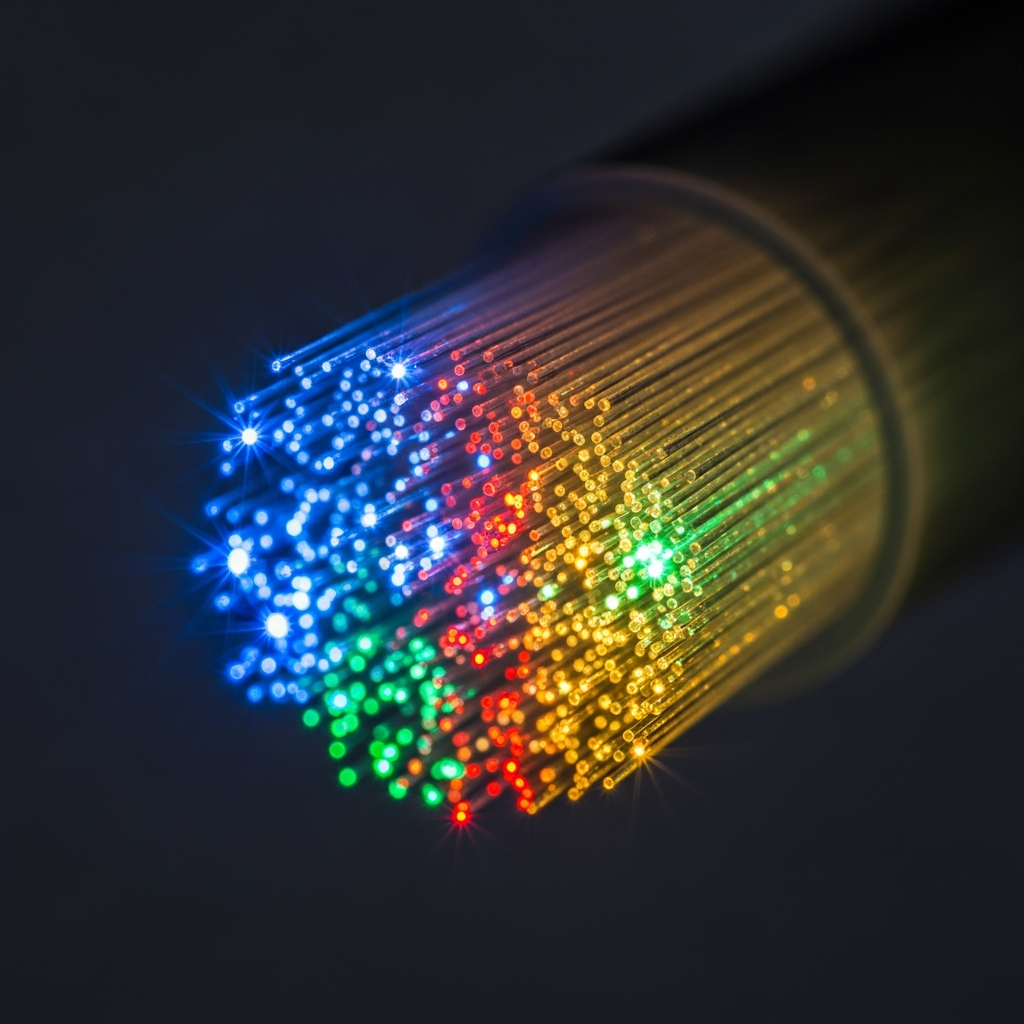
Fiber optic cables carry data as pulses of light through hair-thin strands of glass. A single fiber strand can carry terabits of data per second over distances of hundreds of kilometers without signal degradation.
Single-mode fiber uses a very thin glass core (9 microns) and a single light path. It carries data over long distances (up to 100km+) and is what we use for backbone and distribution networks.
Multi-mode fiber has a thicker core (50-62.5 microns) and carries multiple light paths simultaneously. It is used for shorter distances within buildings and data centers.
FTTH vs FTTB
FTTH (Fiber to the Home): A dedicated fiber cable runs from our Point of Presence (POP) all the way to an ONT device inside your home. This gives you the best possible speed and reliability.
FTTB (Fiber to the Building): Fiber terminates in the building's basement or comms room. From there, Ethernet cables run to individual apartments or offices. Slightly less expensive to deploy in multi-tenant buildings.
Your equipment
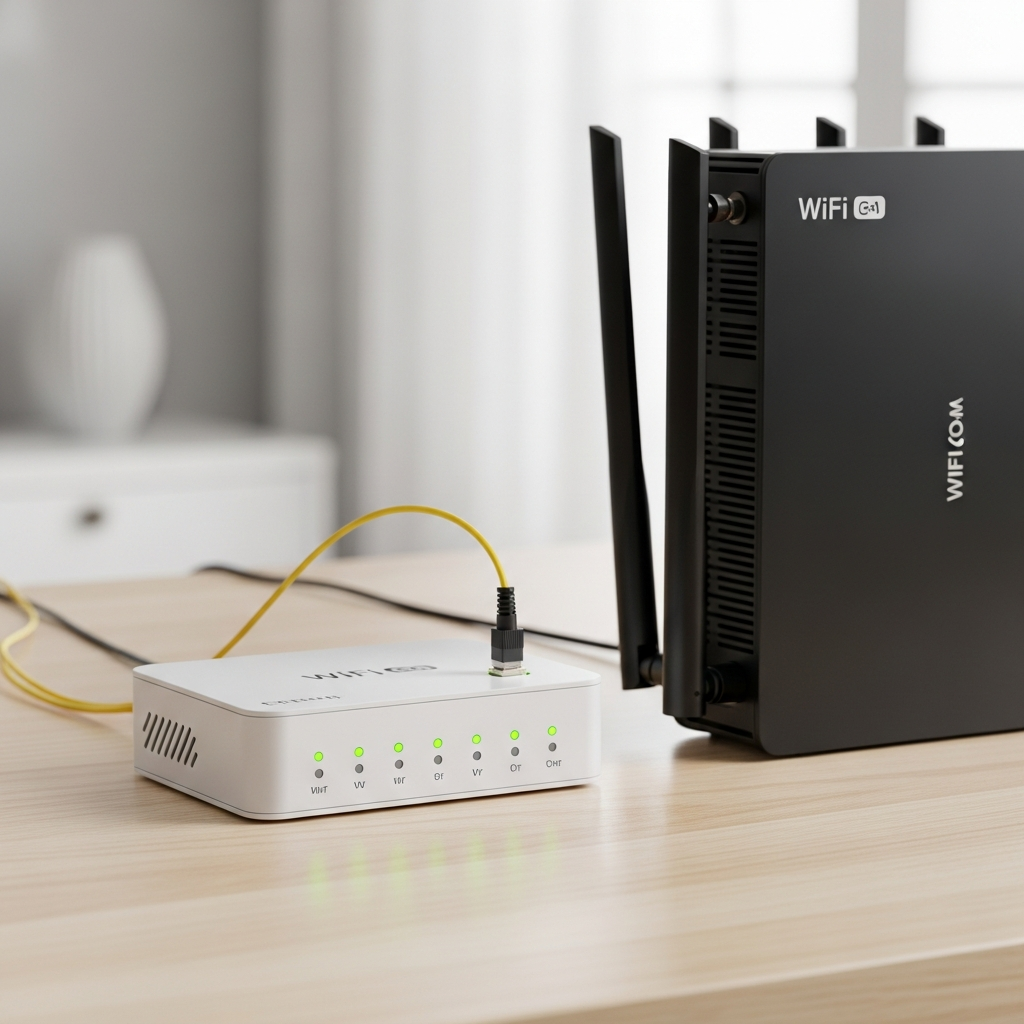
The ONT (Optical Network Terminal) is the small box where the fiber cable connects in your home. It converts light signals from the fiber into electrical signals that your router can use. A green light on the ONT means your fiber connection is active.
The WiFi router connects to the ONT and broadcasts your wireless network. We supply and configure both devices during installation.
Splicing — how fibers are joined
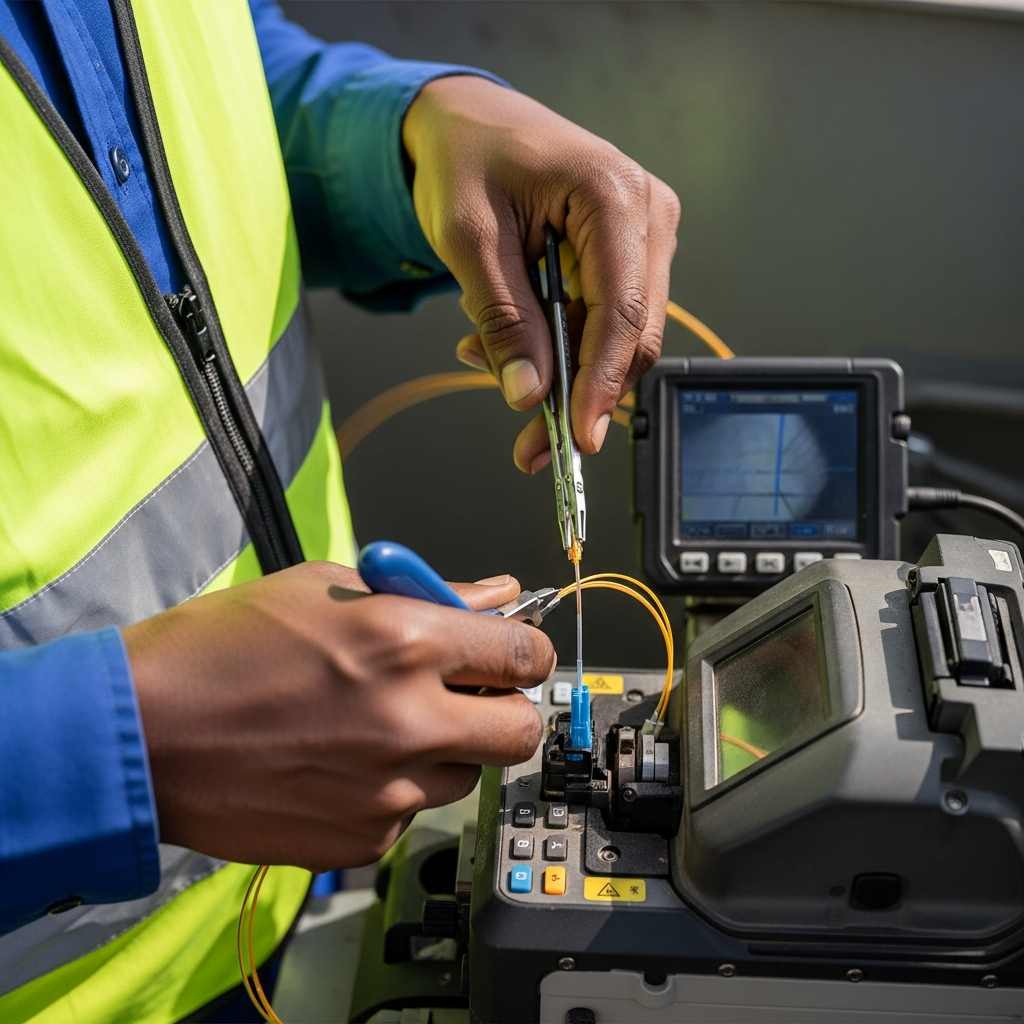
When fiber breaks or needs to be extended, technicians use a fusion splicer — a machine that precisely aligns two fiber ends and fuses them together at approximately 1,800 degrees Celsius. The resulting joint is nearly as good as a continuous fiber. This is why fiber repair requires specialized equipment and trained technicians.
Why fiber beats copper
No electromagnetic interference (immune to lightning and power surges). No signal loss over distance. Supports gigabit speeds and beyond. More durable underground. Cannot be tapped without detection. The only downside: it is fragile (glass) and repairs require specialized skills.
Radio links to your rooftop.
Where fiber has not yet been deployed, we use wireless radio links to deliver internet. Two types serve different purposes:
PTP (Point-to-Point): A dedicated radio link between two locations. Each end has a directional antenna aimed at the other. Used for business connections and network backhaul. Provides dedicated bandwidth between two fixed points. Requires clear line of sight — no buildings, trees, or hills in the way.
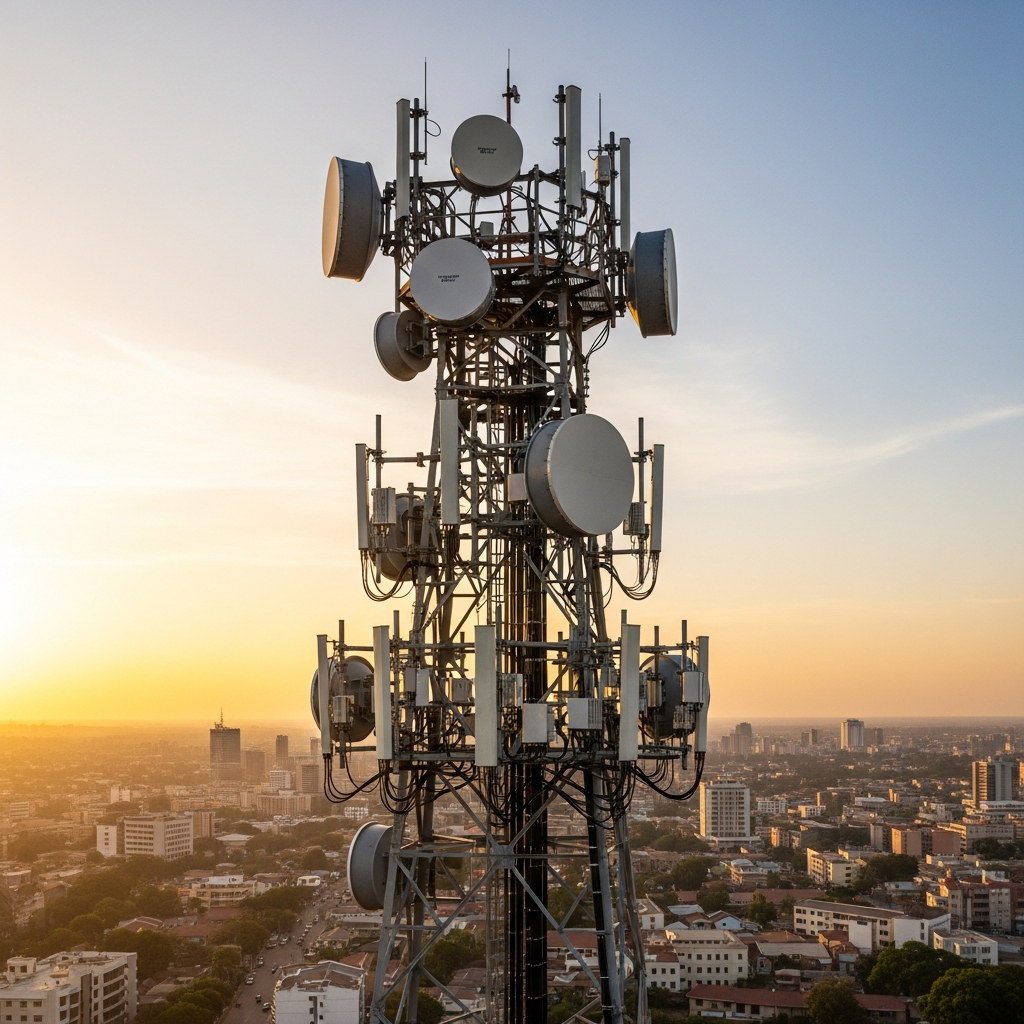
PTMP (Point-to-Multipoint): One base station on a tower serves multiple clients using sector antennas. Each client has a small CPE antenna on their roof aimed at the tower. Bandwidth is shared among all connected clients (similar to contention on fiber). Used for residential and small business last-mile delivery.
Limitations of wireless
Line of sight: Radio signals travel in straight lines. Trees, buildings, and terrain features block the signal. If you cannot see the tower from your roof, wireless likely will not work at your location.
Rain fade: Higher-frequency radio signals are absorbed by raindrops. During heavy storms, signal quality drops temporarily. This is more pronounced on higher frequencies.
Interference: Unlicensed frequency bands can experience interference from other wireless devices in the area. Licensed bands are cleaner but more expensive.
Speed vs fiber: Wireless can deliver speeds up to about 300 Mbps in ideal conditions, but real-world performance is typically lower. Fiber remains the gold standard for speed and reliability.
When we use wireless
Areas where fiber has not been deployed. Temporary connections while fiber is being built. Quick deployments needed (wireless can be up in days vs weeks for fiber). Locations with difficult terrain for cable laying. Backup connectivity for fiber-connected sites.
Connectivity from space.
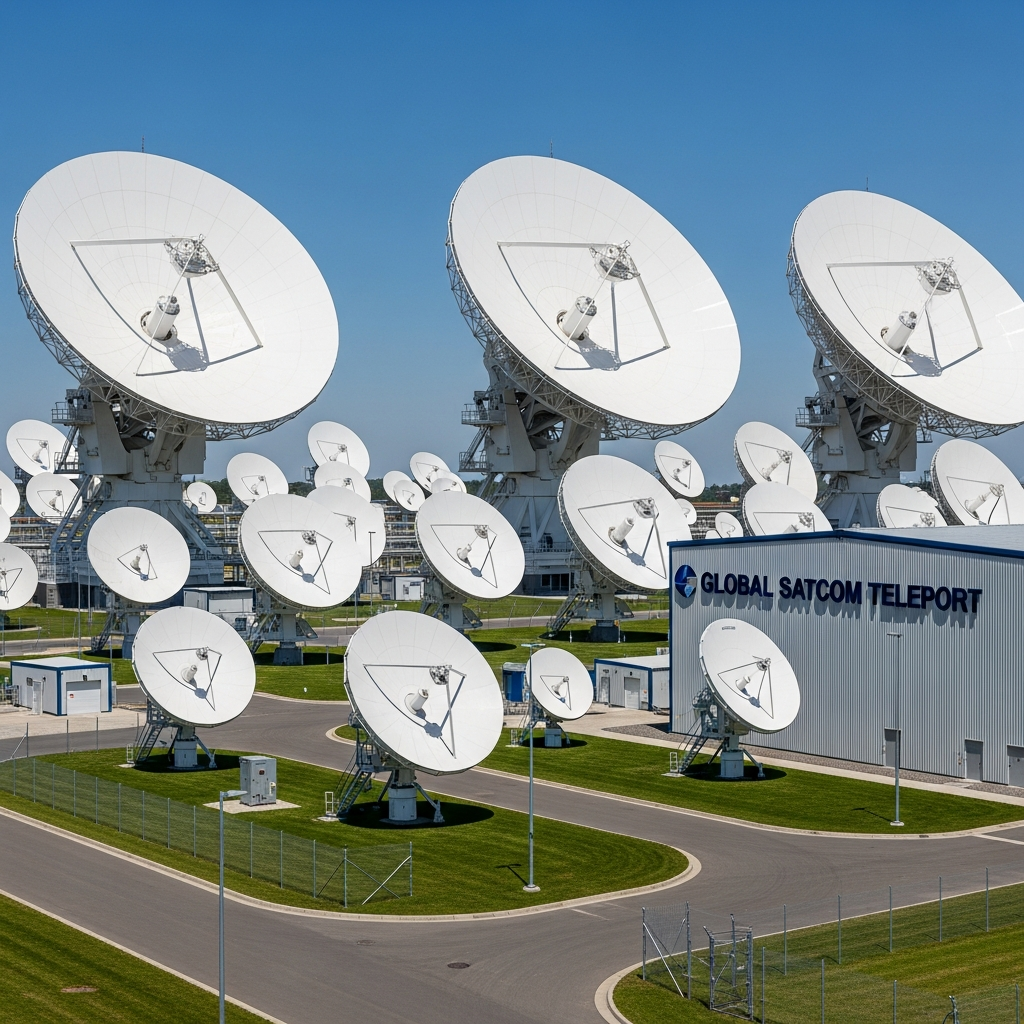
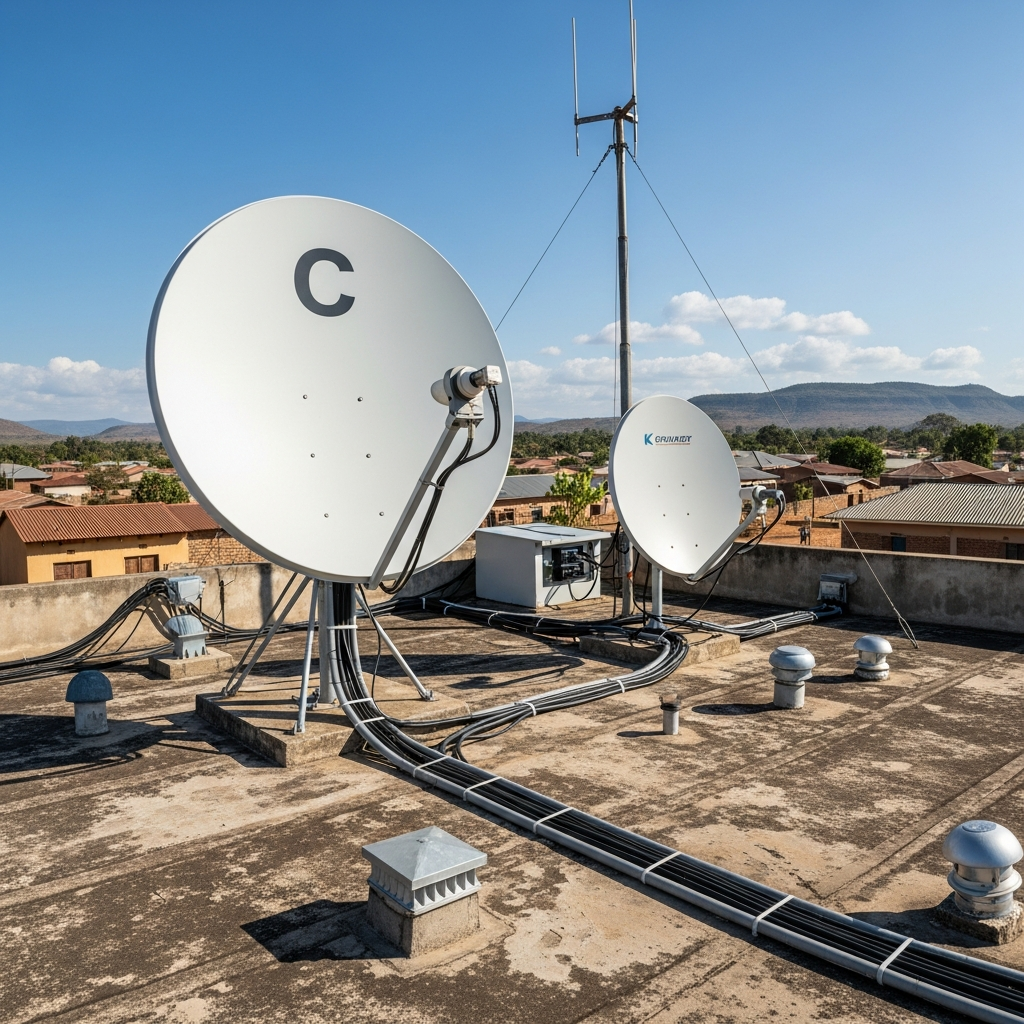
Satellite internet uses dishes on the ground to communicate with satellites orbiting Earth. The dish sends and receives data via radio waves to a satellite, which relays it to a ground station connected to the internet backbone.
GEO vs LEO satellites
Geostationary (GEO): Satellites at 36,000km altitude that appear stationary in the sky. One satellite covers a huge area. This is what Ka-band, Ku-band, and C-band VSAT use. The downside: signal must travel 72,000km round trip, adding approximately 600ms of latency. You will notice this on video calls and interactive applications.
Low Earth Orbit (LEO): Satellites at 550km altitude (like Starlink, Amazon Kuiper). Much lower latency (~30ms) because of the shorter distance. Requires constellations of thousands of satellites to maintain coverage. These services are beginning to arrive in Nigeria and we plan to offer them as they become available.
For a detailed comparison of Ka, Ku, and C-band options, see our Enterprise Satellite page.
How international traffic reaches Nigeria.
When you access Google, Netflix, or any international service, your data travels through several layers:
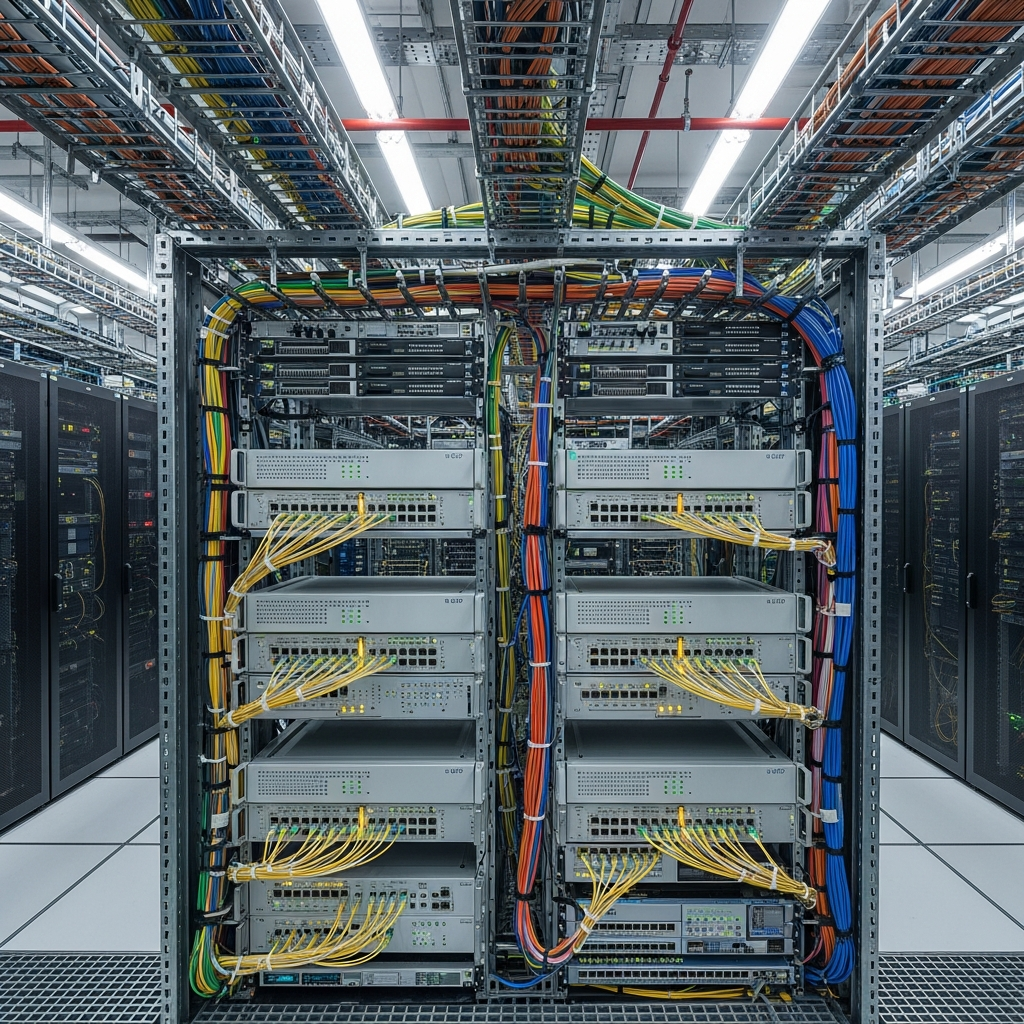
Submarine cables: Massive fiber optic cables laid on the ocean floor connecting Africa to Europe, the Americas, and Asia. Nigeria is connected via cables like MainOne, ACE, WACS, and others that land in Lagos. These cables carry the bulk of Nigeria's international internet traffic.
Landing stations: The submarine cables terminate at landing stations on the coast where the signal is handed off to terrestrial networks.
Transit providers: Companies that buy bulk bandwidth from submarine cable operators and resell it to ISPs like Dotmac. We purchase international bandwidth from multiple transit providers for redundancy.
The cost chain: Submarine cable capacity is expensive. This cost flows through the chain — cable operator, transit provider, ISP, customer. This is a major reason why internet costs more in Nigeria than in Europe or North America, where submarine cable capacity is abundant and competitive.
Why this matters to you
The amount of transit bandwidth we buy directly affects your experience. More transit = less congestion = faster international browsing. We continuously upgrade our transit capacity as our customer base grows. During peak hours, heavy international traffic can slow things down for shared plans — this is another reason dedicated plans exist.
Keeping local traffic local.
An Internet Exchange Point (IXP) is a physical location where ISPs connect their networks to exchange traffic directly, without routing through international transit. This is critically important for speed.
Without an IXP: When you visit a Nigerian website hosted by another Nigerian ISP, your traffic would travel from your ISP to an international transit provider (possibly in London or Amsterdam), then back to the other Nigerian ISP. Round trip: 200-400ms latency.
With an IXP: Both ISPs are connected at the exchange point. Traffic goes directly from one to the other within the same building. Round trip: 2-5ms latency.
Dotmac on IXPN
Dotmac is a member of the Internet Exchange Point of Nigeria (IXPN) at both the Lagos and Abuja locations. This means:
- Local Nigerian traffic stays local — much faster for Nigerian services
- Major content providers (Google, Netflix, Facebook, Cloudflare) place cache servers at IXPN — their content loads faster for our customers
- We peer directly with other Nigerian ISPs — better routing, lower latency
- Reduced dependence on expensive international transit for local traffic
Content caching at the exchange
Google, Netflix, Meta (Facebook/Instagram), and Cloudflare deploy cache servers at major IXPs. When you watch a popular YouTube video, it may load from a server in the same building as our router — not from a data center in California. This dramatically improves streaming quality and loading speeds.
From order to go-live.
What happens between signing up and getting connected.
Enter the installation address
Use the coverage page, call us, or send a WhatsApp message with the address and your contact details. Always tell us where service will be installed.
Automated check or manual review
When the connected coverage source can match the address, it returns a coverage status. If it cannot confirm the match, a Dotmac specialist reviews the installation address.
Site survey
Our field team visits your location to assess the best installation route — where the cable enters, where the ONT goes, where the router is placed. For wireless, we check line of sight to the nearest tower.
Installation
Typically 3-7 business days after survey approval. Our team runs the fiber or wireless CPE, installs the ONT and router, and configures your connection. For complex builds (new fiber routes, tower installs), this may take longer.
Testing and activation
We test the connection end-to-end — signal levels, speed, latency. You verify it works on your devices. We hand over your selfcare portal credentials.
You are live
Your service is active. Manage your account, pay bills, and raise support tickets through the selfcare portal. Our support team is available 24/7.
What can delay installation?
Right-of-way: New fiber routes may need permission to cross private land or public roads. Building access: Landlords or estate management may need to approve the installation. Fiber route construction: If no existing fiber passes your location, we may need to build a new route — this can take weeks. Equipment availability: Specific equipment may need to be ordered. We communicate timelines transparently.
Questions about your connection?
Our team can explain anything on this page in more detail. Just ask.